

Layout Presets
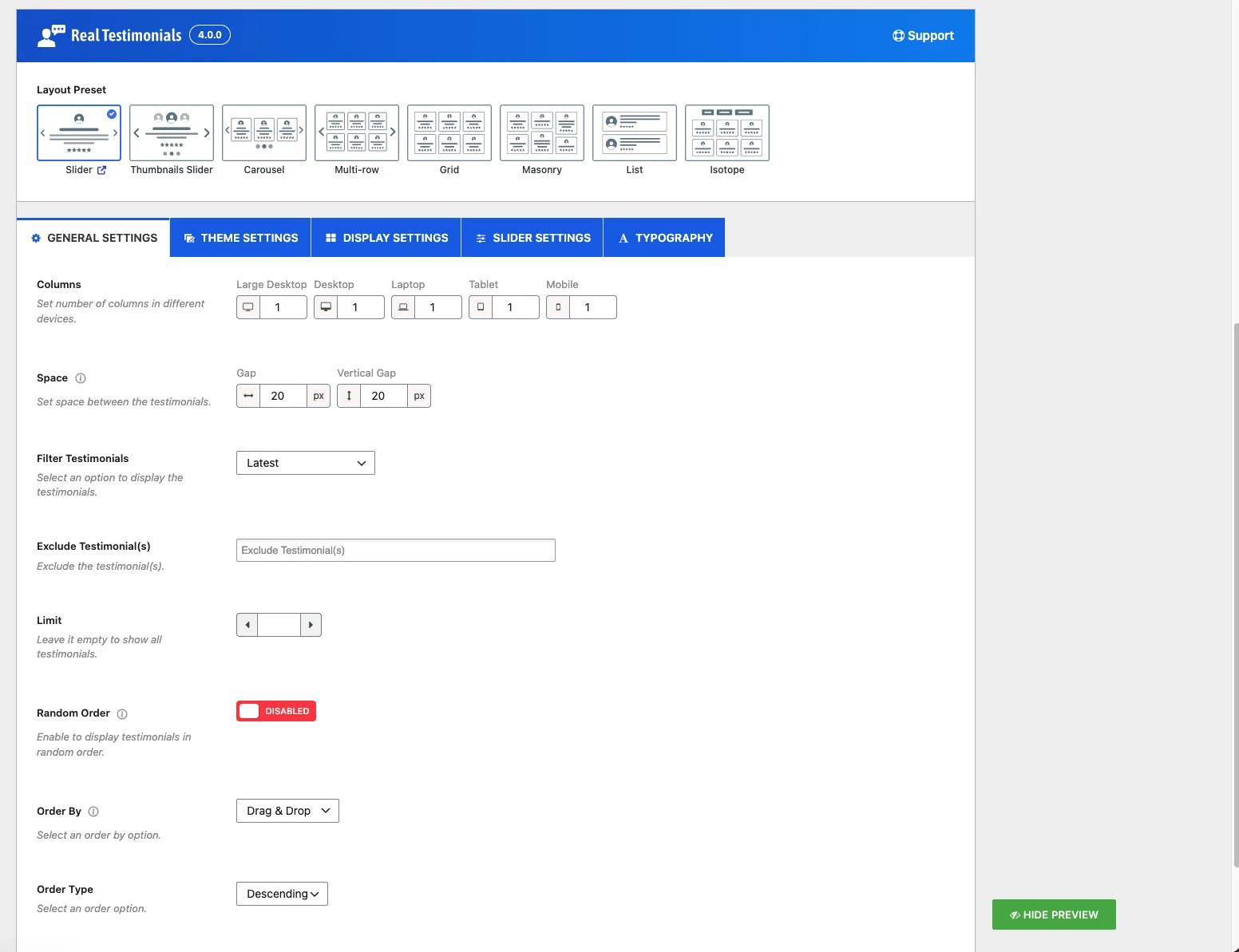
The starting shape of every classic View — pick one of eight layouts, then customize from there.
When you build a View, the first choice you make is the Layout Preset — the overall shape your testimonials take on the page. It sets the foundation; everything else (columns, colors, fonts, what shows on each card) builds on top of it.
Real Testimonials gives you eight layouts to choose from — Slider, Thumbnails Slider, Carousel, Multi-row, Grid, Masonry, List, and Isotope. Pick the one that fits how you want testimonials to appear, then fine-tune it in the View's setting tabs. Here's what each one does, with a live demo you can click through.
1. Slider
Shows one testimonial at a time in a full-width band that slides across, with navigation arrows, dots, and autoplay. Good when you have limited vertical space and want testimonials to rotate through on their own. Live demo

2. Thumbnails Slider
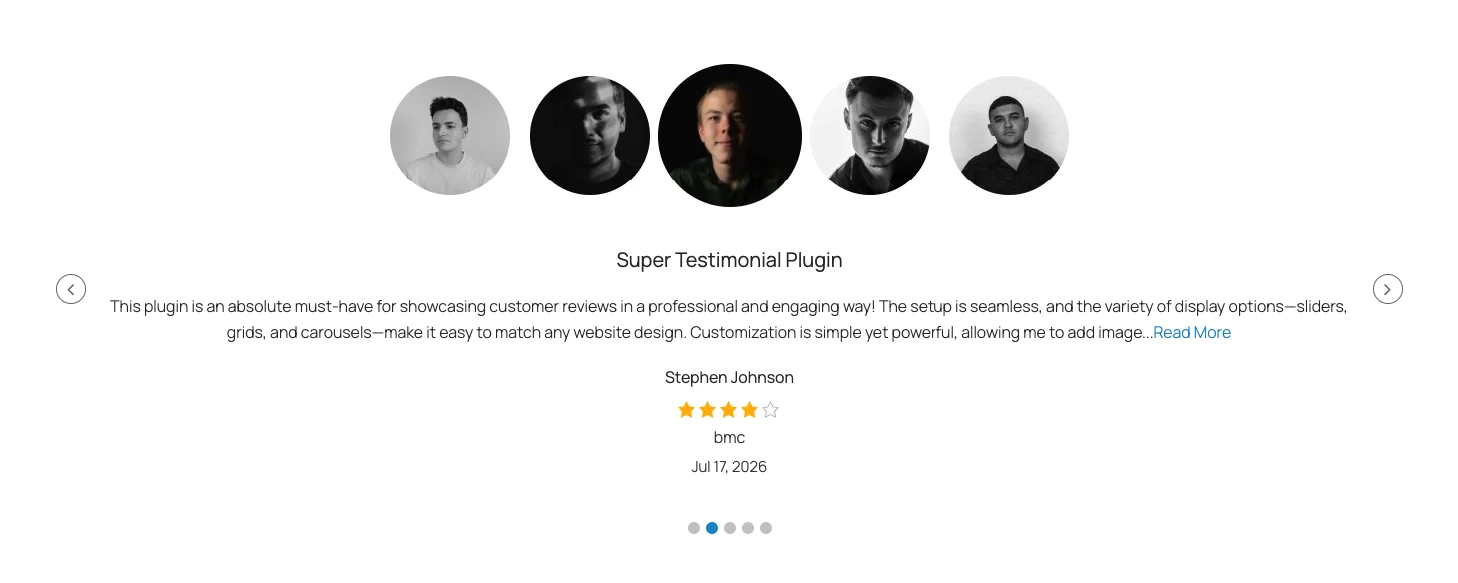
A slider paired with a strip of clickable reviewer photos — visitors click a face to jump to that person's review. The Thumbnails Style picker below the layout lets you place the strip on the top, bottom, left, or right. Live demo
3. Carousel
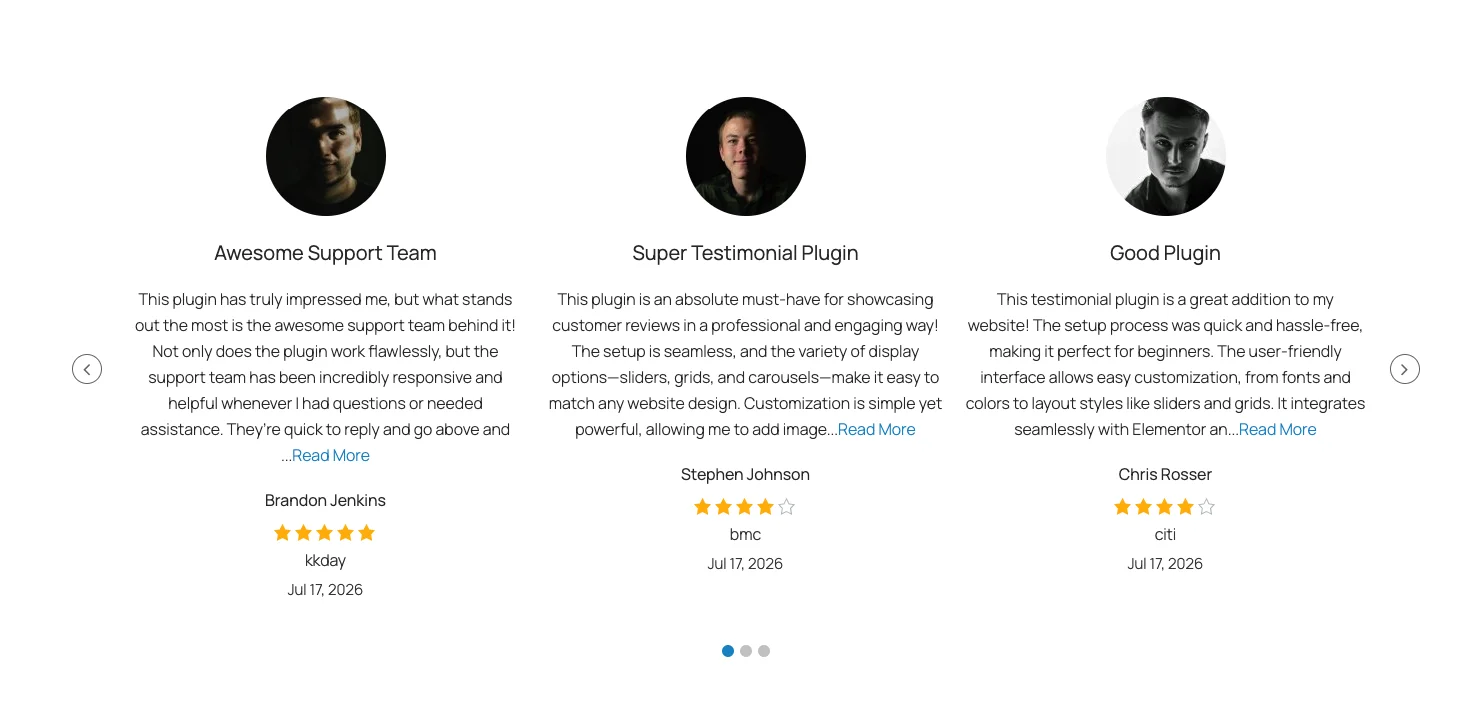
A rotating band of testimonial cards, several visible at once. Pick it and a Carousel Style choice appears:
- Standard — cards scroll in a straight row.
- Center — the active card sits enlarged in the middle.
- Ticker — a continuous, news-ticker-style scroll with no arrows or dots.
4. Multi-row
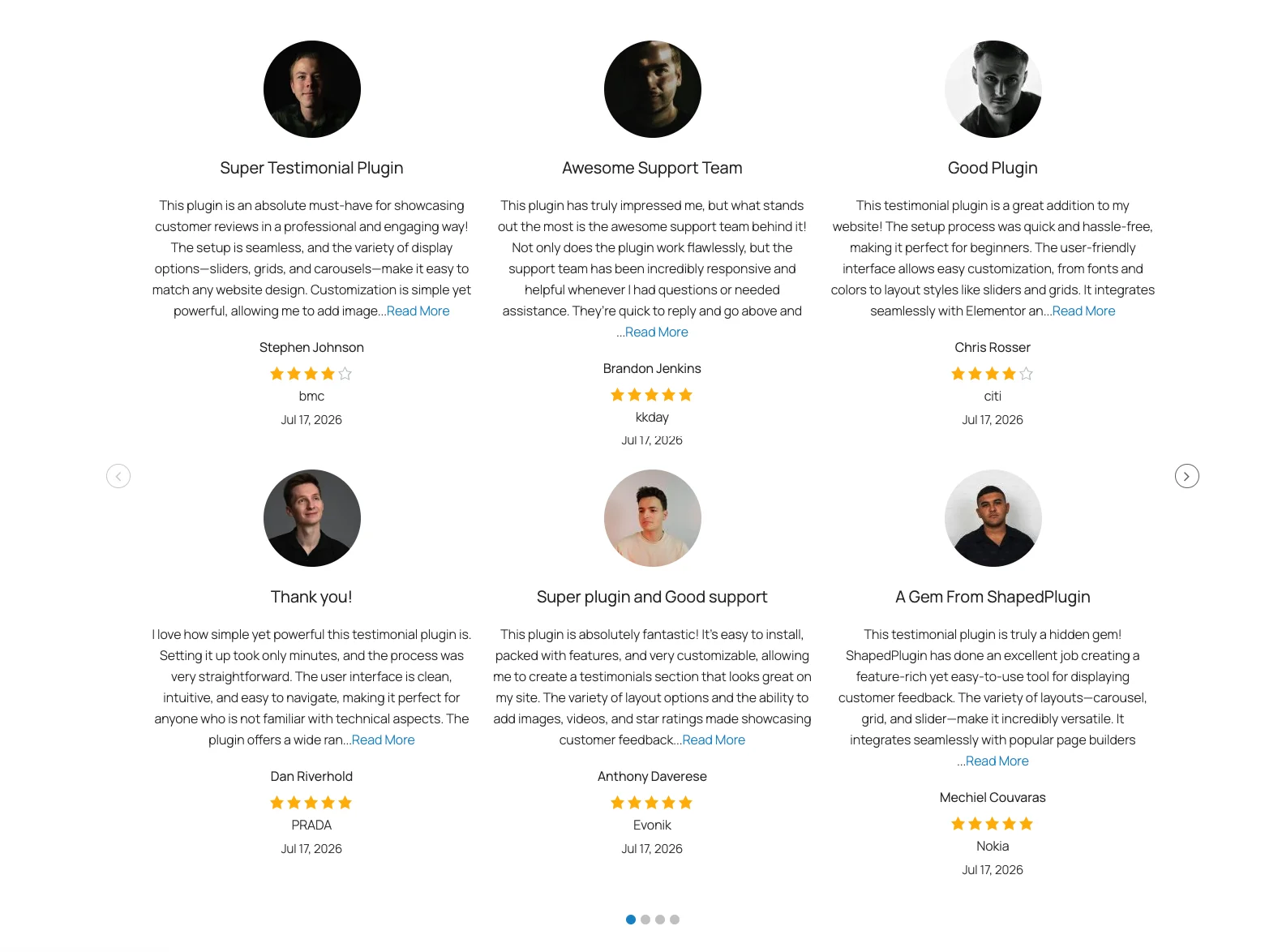
A carousel stacked into two or more rows, so each slide shows a whole block of testimonials. You set the number of rows per device on the General Settings tab. Great for showing lots of reviews without a long page. Live demo
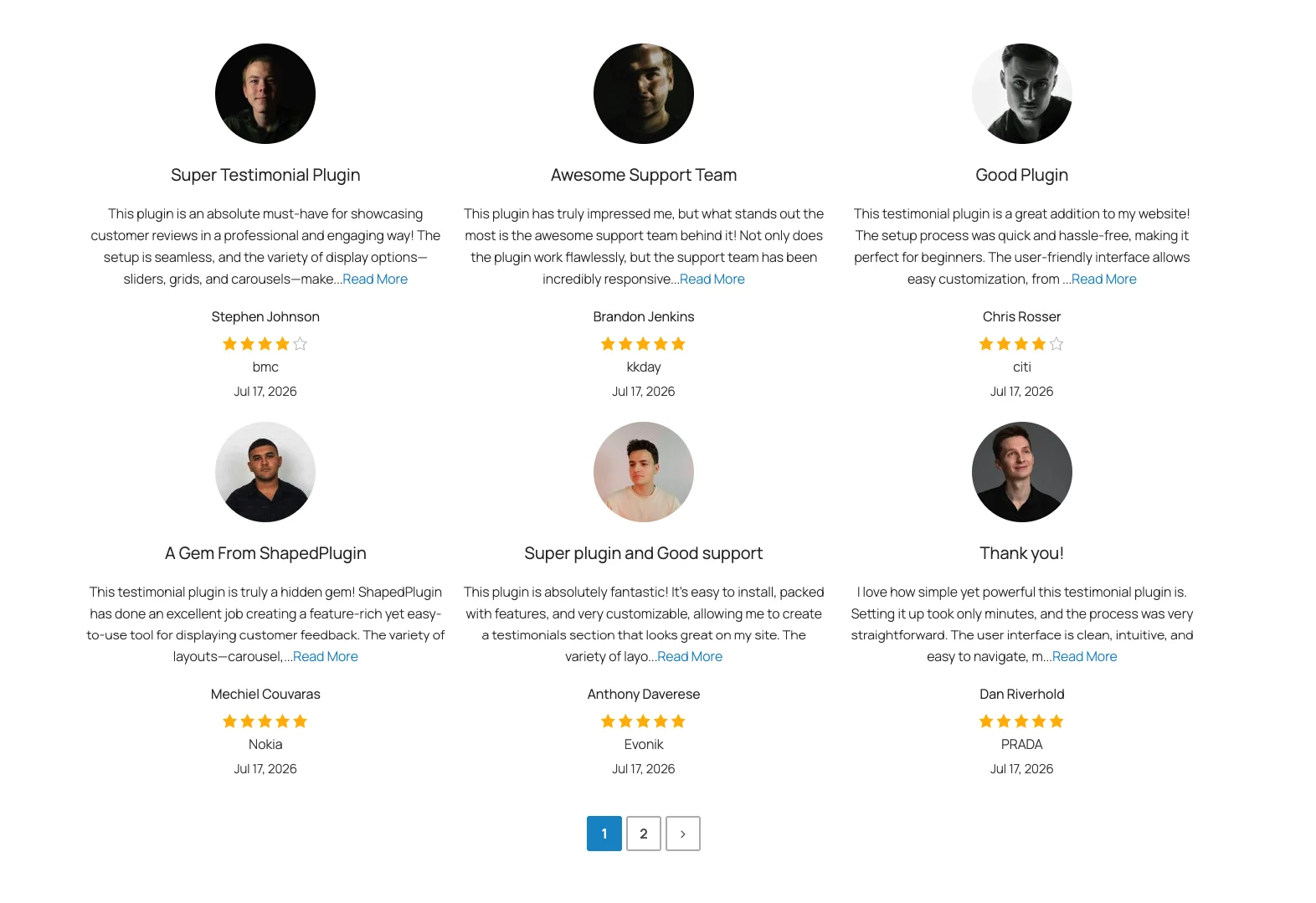
5. Grid
An even, multi-column wall of testimonials — every card the same size, lined up in tidy rows, with optional pagination below. The safe all-purpose choice when you just want it to look clean everywhere. Live demo
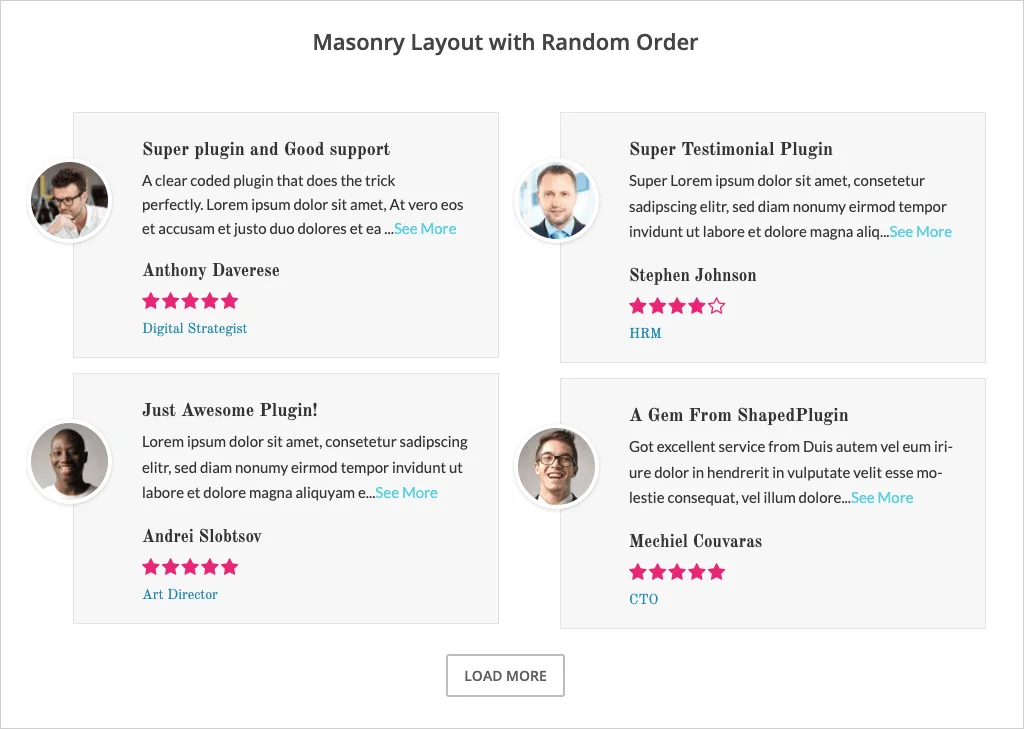
6. Masonry
A Pinterest-style layout where each card takes only the height it needs, so testimonials of different lengths pack together with no awkward gaps. Reach for it when your reviews vary a lot in length. Live demo
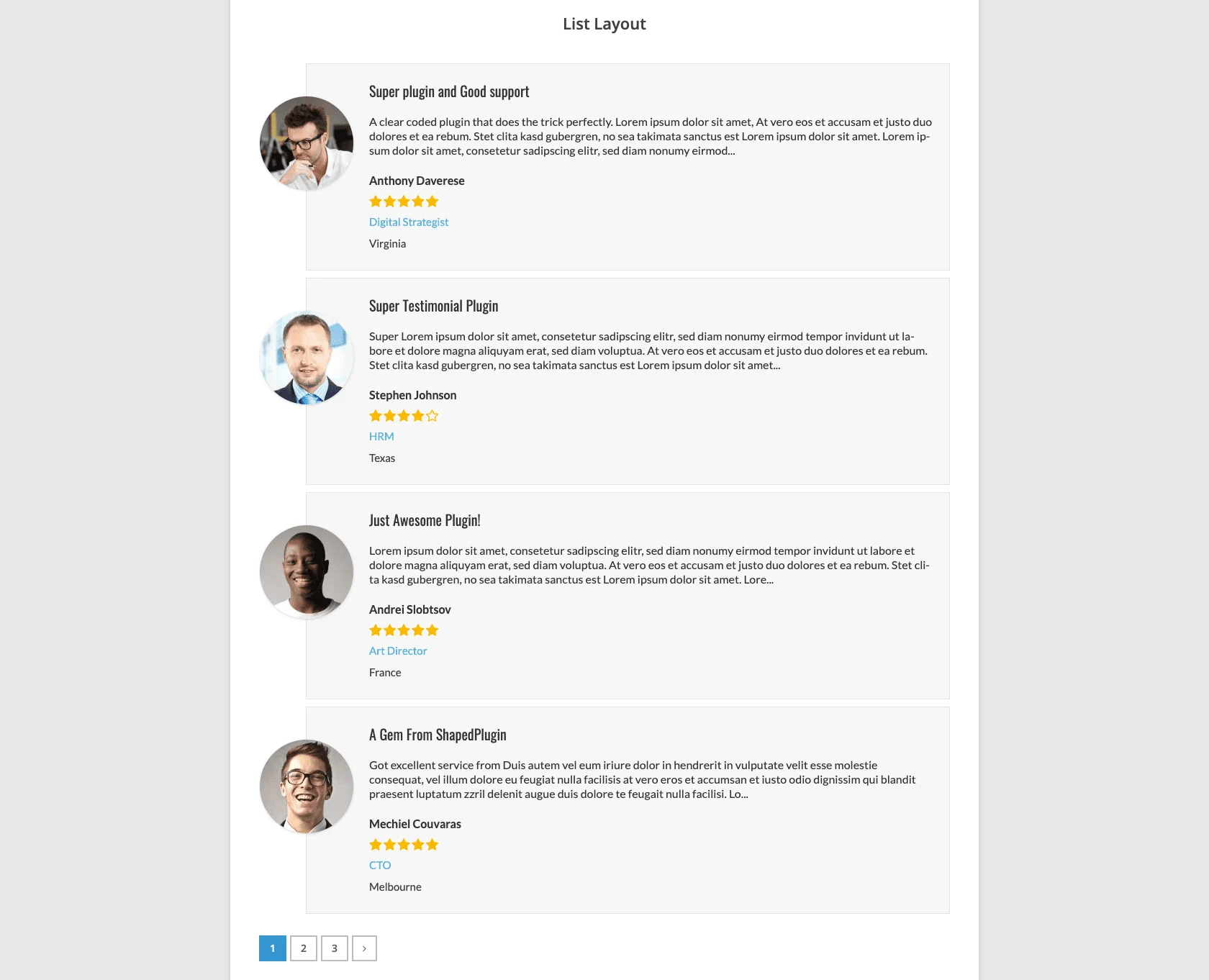
7. List
A simple, stacked, single-column list — one testimonial after another, top to bottom. Great for a focused, readable "wall of love" or a sidebar. Live demo
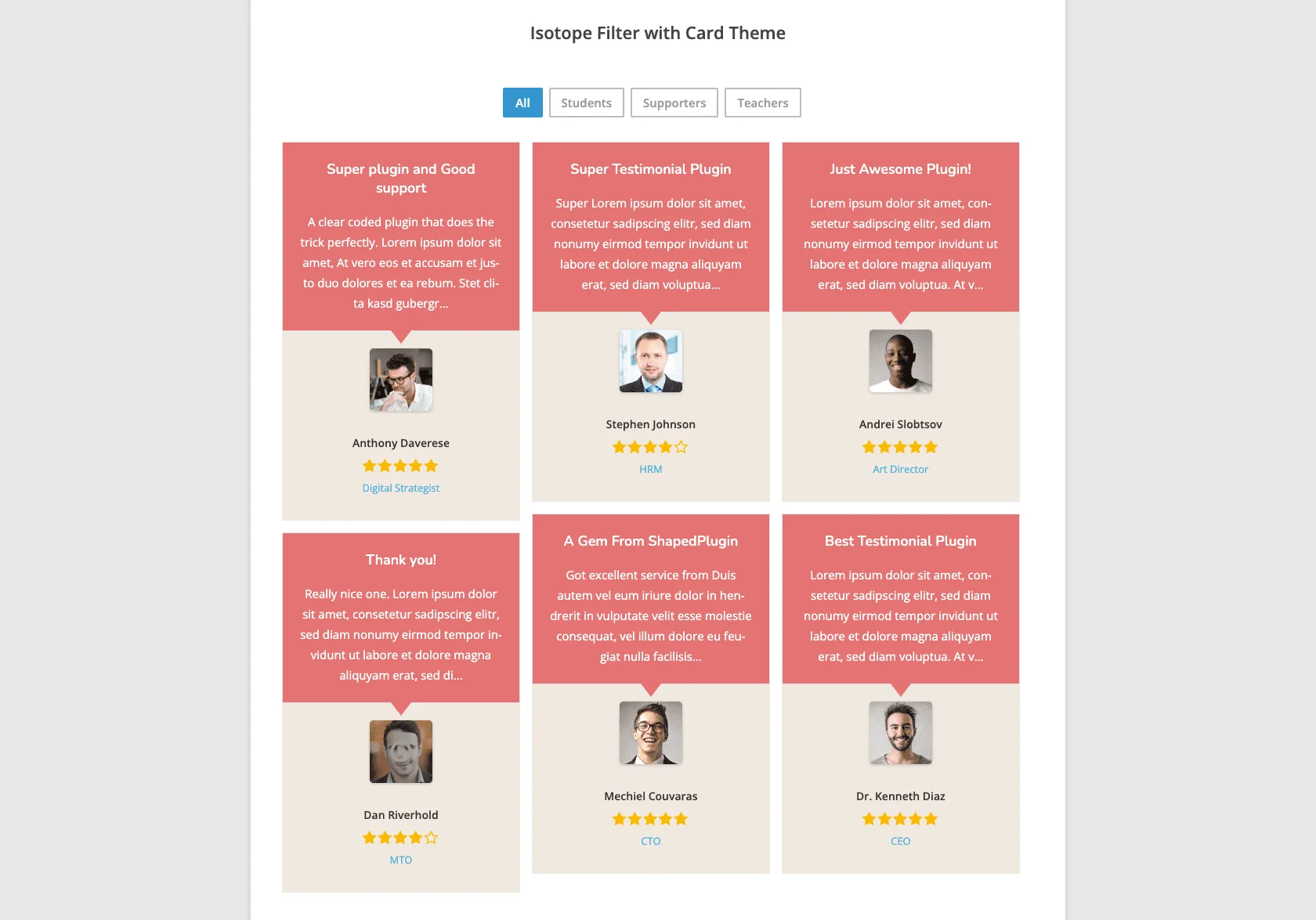
8. Isotope
A filterable grid with animated shuffle transitions, so visitors can sort testimonials live — by group or star rating. An Isotope Style choice appears below the layout: Even (uniform cards) or Masonry (packed heights). Use it when you want an interactive, filterable showcase. Live demo
Change your mind later
The layout isn't permanent — open the View and pick a different one any time. Your other settings carry over, so switching layouts doesn't mean starting from scratch. The setting tabs adapt too: slider-type layouts get the Slider Settings tab, while Grid, Masonry, List, and Isotope get pagination options instead.
Related
- Manage Views — build a View and configure every setting tab.
- Add New Testimonial — create the testimonials your layouts display.